How to Turn a PDF into a Shareable Link Online
6 July 2026
Emailing a PDF is straightforward. You attach the file, send the message, and hope the recipient reads it.
The problem is that you usually have no idea what happens next. Did they open the attachment? Did they read the whole document or stop after the first page? Did they click any of the links inside it?
Publishing the PDF online can give you much more useful information.
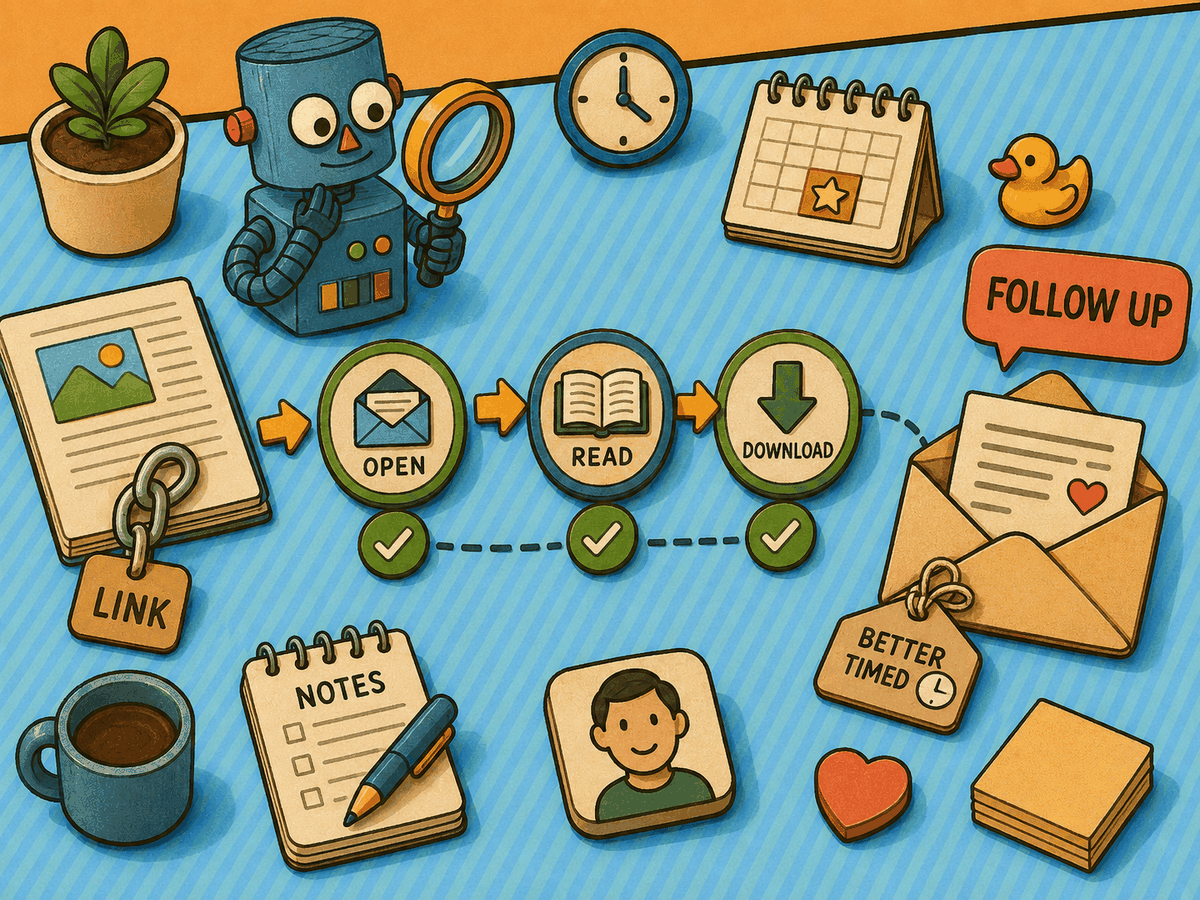
Share PDFs with trackable FlowPaper links
FlowPaper lets you publish a PDF as an online document and send people a web link instead of a traditional attachment. The document opens directly in the browser, so the recipient does not need to download it before reading.
You can share one general link with everyone, or create a separate trackable link for each customer, prospect, or account.
The second option is particularly useful when you need to follow up with individual recipients.
Why create a separate link for each customer?
A public link can show you how the document is performing overall. However, it cannot always tell you which customer opened it or how a particular person interacted with it.
A trackable link gives each recipient their own URL. You can then view the activity associated with that link.
With FlowPaper, you can:
- Create a unique link for an individual customer or contact
- Check whether the link has been opened
- Monitor reading activity and downloads
- Add an expiry date to documents that should only be available temporarily
- Receive an email reminder when a recipient has not opened the link
This can be helpful when sharing sales proposals, product brochures, catalogs, reports, presentations, or price lists. Instead of following up at random, you have a better indication of whether the recipient has looked at the material.
Viewing PDF activity in FlowPaper
You can manage your trackable links from the Cloud Publications section of your FlowPaper account.
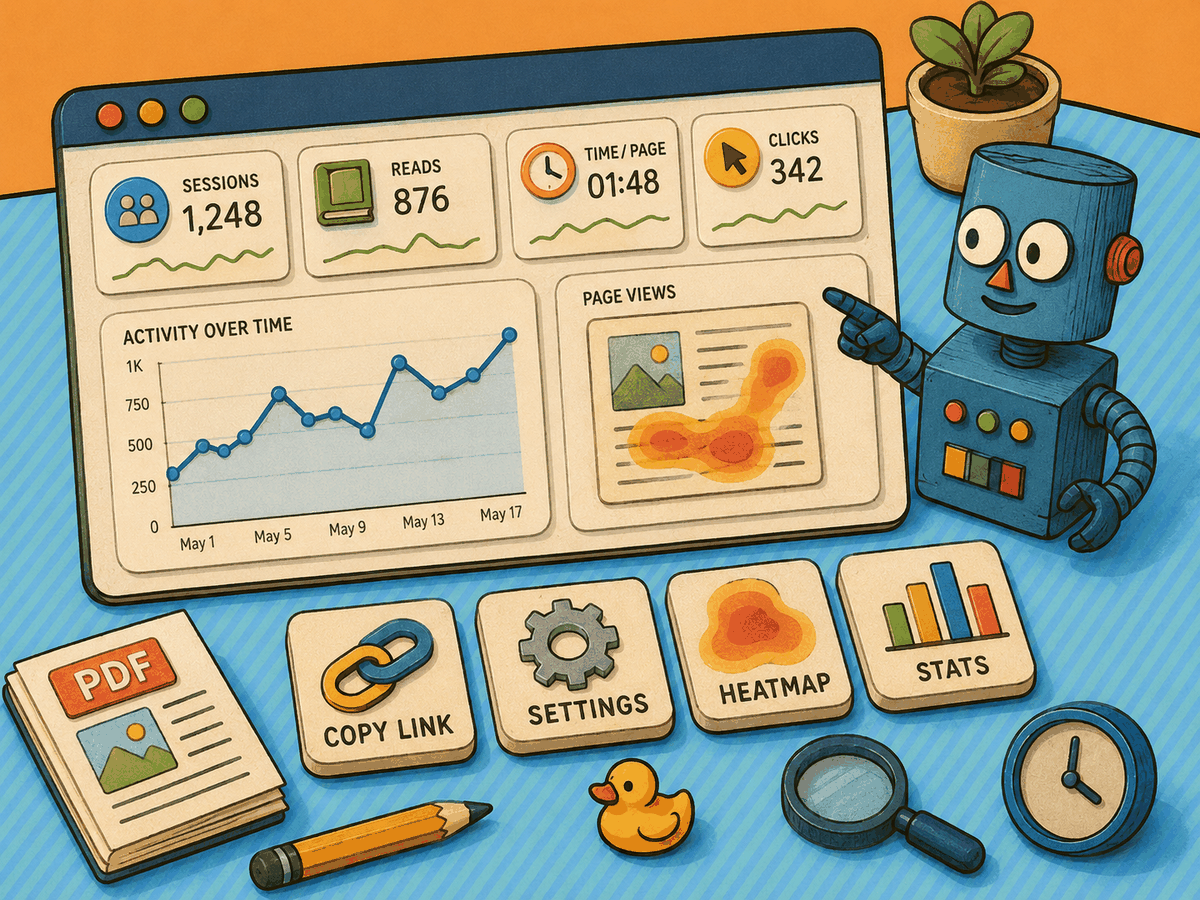
Each link includes several options:
- Copy Link
- Settings
- Heatmap
- Stats
You can look at the statistics for an individual link or review the publication as a whole.
Publication-level analytics include information such as Sessions, Reads, Time/Page, Clicks, and activity over time. This gives you a broad view of the document’s performance while still allowing you to examine the activity associated with a particular recipient.
Follow up when the timing makes sense
A trackable PDF link does more than tell you whether someone received your document. It can also help you decide when a follow-up message is most likely to be useful.
For example, you may see that a customer has opened the document more than once, spent time reading several pages, or downloaded a copy. That does not necessarily tell you what they are thinking, but it gives you more context than an ordinary email attachment.
By publishing a PDF online and sharing it through a trackable link, you turn a static file into a measurable part of your sales or communication process.
Read more
Want the full step-by-step walkthrough, including how to create the links and where to view the analytics?
Read the full guide: How to Turn a PDF into a Shareable Link Online