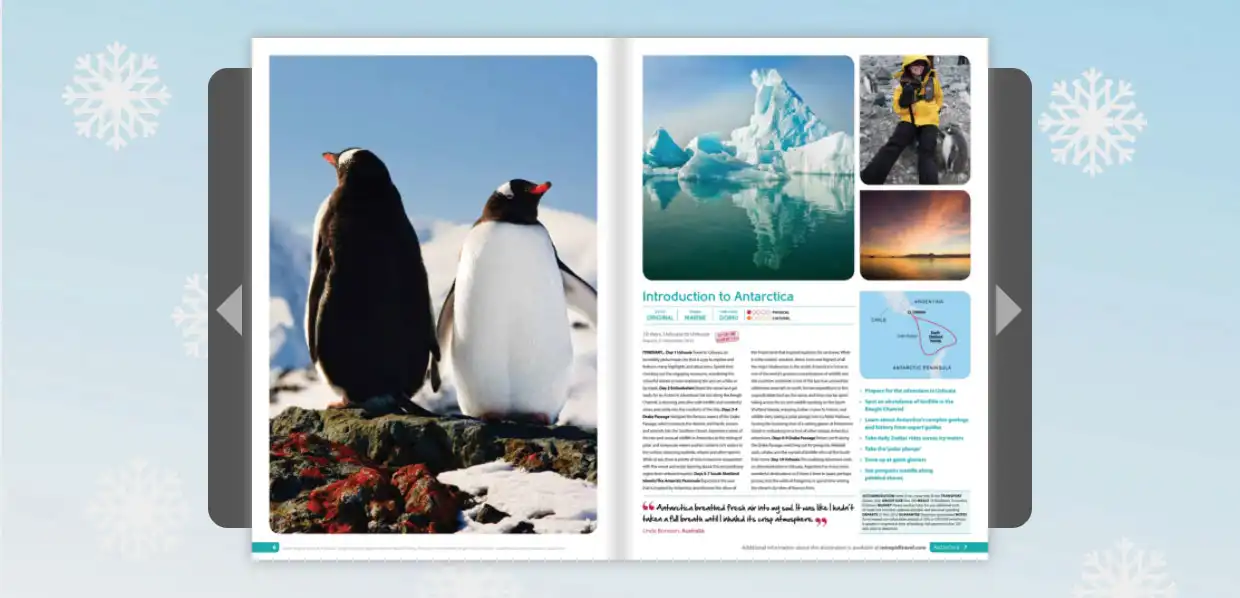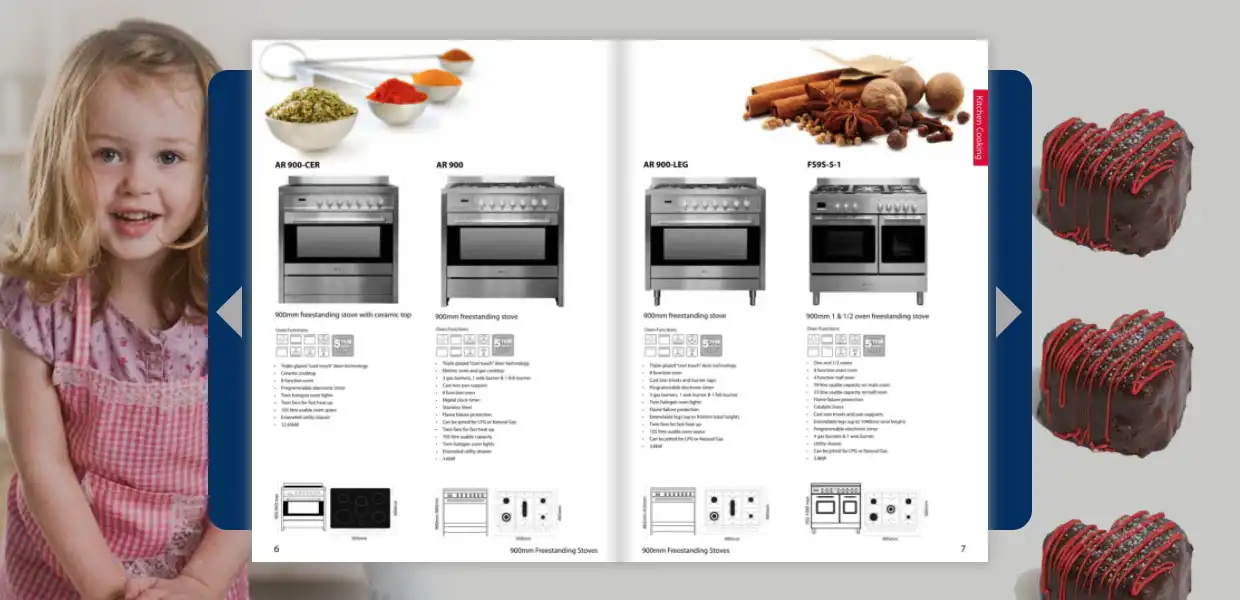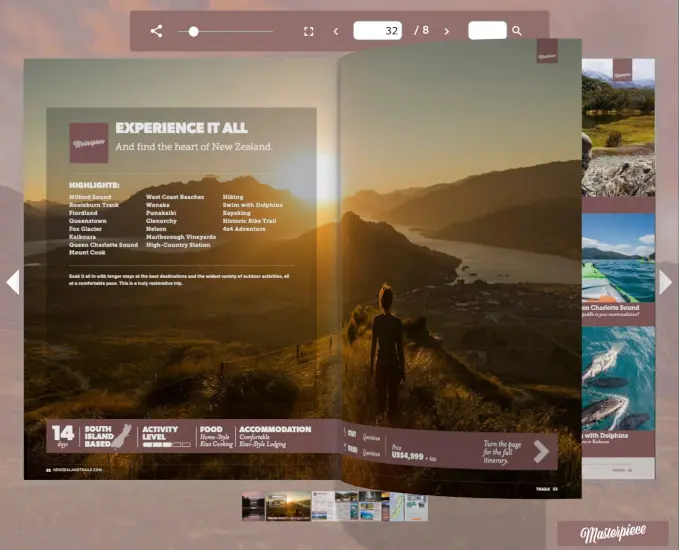
Match your flipbook to your brand
Choose colors and a background that feel like yours.
Your catalog, magazine or brochure is already a PDF. With FlowPaper, you can turn it into a flipbook that people can page through online, then share a link or add it to your website.
Text stays sharp when readers zoom in. Publish through FlowPaper Cloud, or host the files on your own server with a paid plan.
Create a flipbookHave a PDF ready? Drop it here or choose a file.
Your file opens in the FlowPaper publisher.
Free to start, no credit card required. Free cloud publications are available for 90 days and include FlowPaper branding. Compare plans.
Made with FlowPaper: Take a look at the Qantas holiday catalog. Watch the case study.
A flipbook is a way to read a document online, one page at a time. Readers can turn its pages like a printed book, while you can add links and video, change the background and decide where to share it.
You don't have to start from scratch: use the PDF you already have. Here's more on converting a PDF to a flipbook.
Drag a PDF into the publisher or choose a file from your computer. Then pick a template to get started.
FlowPaper supports documents with multiple pages and prepares them for online viewing.
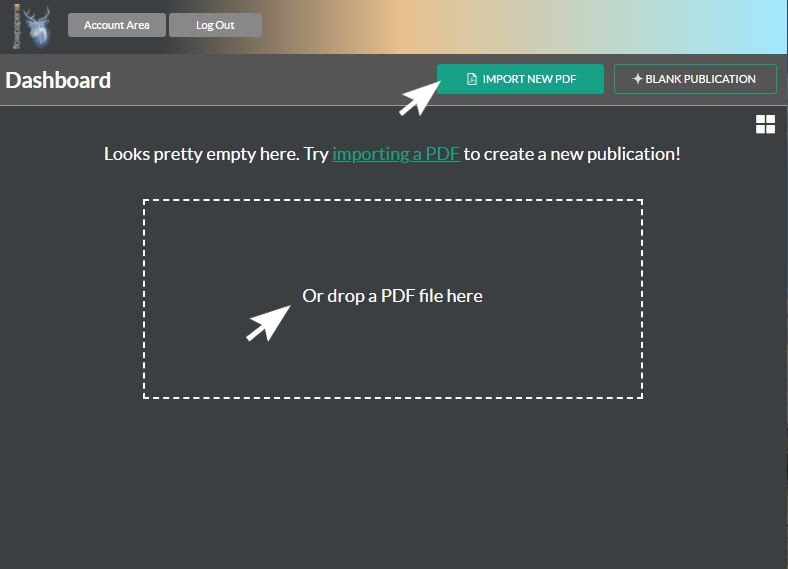
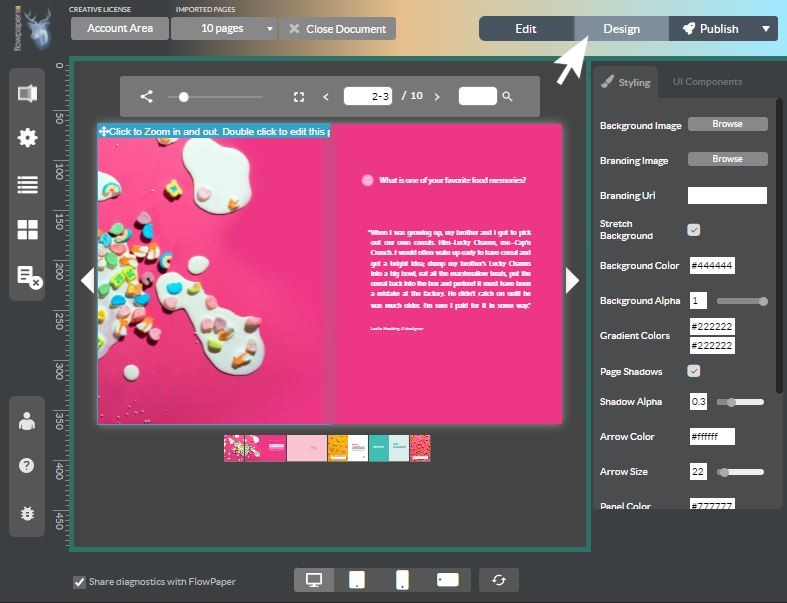
Choose your colors and background, then add links or videos where you need them. You don't need to write any code.
The editor's options are on the right. If you're making an ebook, you can also give it a hardcover look.
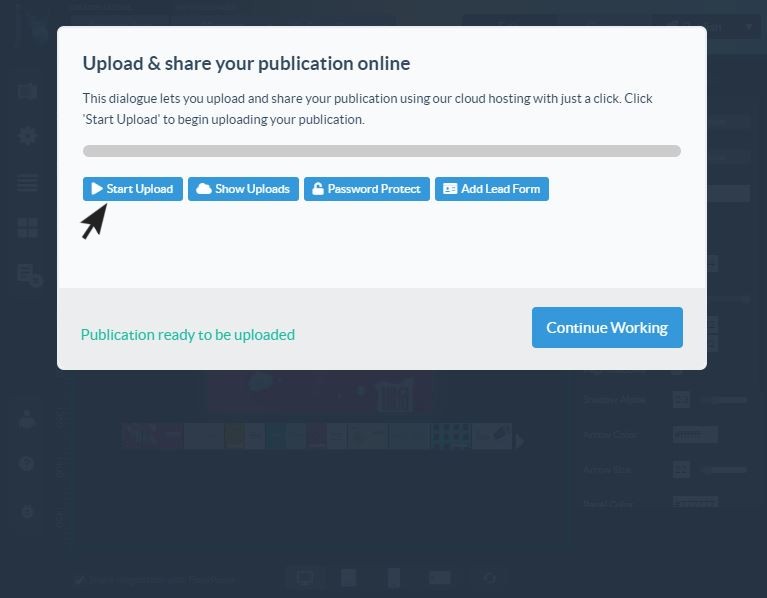
Publish to FlowPaper Cloud and send readers a link or add the flipbook to your site. With a paid plan, you can host the files on your own server instead.
Prefer the look of a printed book? Choose page turns. For a presentation, simple slides might be a better fit. The video shows a few of the styles you can use.
Choose colors and a background that feel like yours.
Adjust the colors and background so your publication fits in with your brand.
Put the flipbook on your site, where visitors can read it without leaving the page.
FlowPaper publications work on desktop, tablet and mobile devices.
Readers can zoom in and move around a page using familiar touch gestures.
Your publication is available to readers on computers, tablets and phones.
See what others have made, then try the examples to get a feel for the different styles.
4.6 out of 5 on Capterra based on 16 reviews as of November 2026. You can also read customer reviews on G2.

Customer example
See how Qantas used FlowPaper Zine for a holiday catalog, with page turns, clickable product details and a table of contents.
Whatever you're publishing, start with the PDF. These examples show a few ways you can present it online.
Give customers a catalog they can browse online, with clickable details on the products that catch their eye. View the catalog example or learn about the catalog maker.
Put your existing print brochure to work online. Share it as a link or let visitors read it on your website. View the brochure example or explore the brochure maker.
Let readers browse an issue on their phones and tap to enlarge the text. View the magazine example or explore the magazine maker.
Publish your report online and add links that help readers find their way through it. View the annual report example or learn about the annual report maker.
Turn your ebook into a page-turning publication, complete with a hardcover if you'd like one. View the ebook example.
Present your work in a flipbook with your own background and links. The brochure demo shows how a visual document can look.
Compare the plans for available templates, hosting and interactive features.
Put a brochure or campaign guide on your site and see which parts people read. You can also add a contact form to a publication shared through FlowPaper Cloud. See how to collect leads.
Send a catalog, proposal or presentation to potential customers, with clickable product details or links to further information. Reader insights can show which pages and links drew their attention. Explore the catalog demo.
Share onboarding guides and training materials as flipbooks that staff can read on a computer or phone. Add links to related resources or a video to support the material.
Available features depend on your plan and how you share your flipbook. Compare plans.
Let FlowPaper Cloud host your flipbook for you, or use a paid plan to host it on your own server. Our self-hosting guide explains how to upload it to your website.
Small text can be awkward to read on a phone. FlowPaper Elements can rearrange your PDF content to fit a smaller screen, so readers don't have to keep zooming in. See an example or learn about mobile-friendly publications.
Help more people read your content with screen-reader support and automatic reading-order adjustments. Review the finished publication to make sure it works for your readers. Explore accessibility features.
Let visitors read your flipbook directly on your site. Follow the website guide, or explore the developer tools for more control.
Templates and features vary by plan. Compare FlowPaper plans.
Give readers the feel of turning pages, with text that stays sharp when they zoom in. Try it in the brochure demo.
Add your own audio or video, or include a video from YouTube or Vimeo.
Choose which websites can display your publication, or restrict it to your own website where available. Check plan options for details.
Transform a series of images into a visually appealing slideshow within your flipbook. Customize the order, duration, size, and other aspects of the photos to create the perfect slideshow for your travel brochure.
Increase the reach and engagement of your digital publication by sharing it on popular social media platforms such as Twitter, Facebook, and LinkedIn. This will allow your customers to easily access and share your content, helping to expand your audience.
Add a contact form to a publication shared through FlowPaper Cloud and choose where it appears. Learn how to set up a lead form.
Find out which pages readers visit and which links they click. Some plans also show where people interact with each page. Explore reader insights.
Available features depend on your plan and how you share your flipbook. See plans and pricing.
Use the online publisher to upload a PDF and choose a template. The free plan requires no credit card; cloud publications are available for 90 days and include FlowPaper branding. The free plan's interactive links are limited to internal links. See plans and pricing for current features and limits.
FlowPaper supports standard PDFs with multiple pages, text and images. The pricing page lists no file size limit for the free plan. Larger or more complex files may take longer to prepare.
No. Upload your PDF, choose a style and make it your own. You can share a link or follow the instructions to add it to your website.
Yes. With a paid plan, you can host the flipbook files on your own server. Alternatively, let FlowPaper Cloud host your flipbook and share it or add it to your website. See the self-hosting guide and plan details.
Yes. Once your flipbook is published, copy the provided code to add it to your website. Follow the guides for WordPress, Wix or Squarespace.
You can replace a page in an existing publication without starting your design from scratch. See how to replace a PDF page and republish your changes.
Readers can view your flipbook on a computer, tablet or phone and use touch gestures to look closer. Available reading features depend on the style you choose.
You can customize backgrounds and colors and add interactive elements. The free plan includes FlowPaper branding and limits interactive links to internal links; commercial licenses offer an unbranded viewer. Feature availability varies by plan.
FlowPaper offers options to control which websites can display your publication or restrict it to your own website. Check the plan comparison for availability and choose the protection appropriate for your content.
Paid plans can show how readers use your flipbook and connect with Google Analytics. Some plans also show where readers interact with each page. Learn more about reader insights and check the plan comparison for details.
Some plans include features that help search engines find your publication. Whether it appears in search results depends on its settings, whether search engines can access it, and the search engine itself; appearing is not guaranteed. See the plan comparison for availability.