Upload and Embed Publications on Squarespace
This guide walks through uploading and embedding a PDF publication (catalog, magazine, or brochure) on your Squarespace site.
FlowPaper optimizes publications for faster viewing across devices and browsers.
Preparations
Install FlowPaper Desktop Publisher before starting.
1) Upload the publication to FlowPaper Cloud
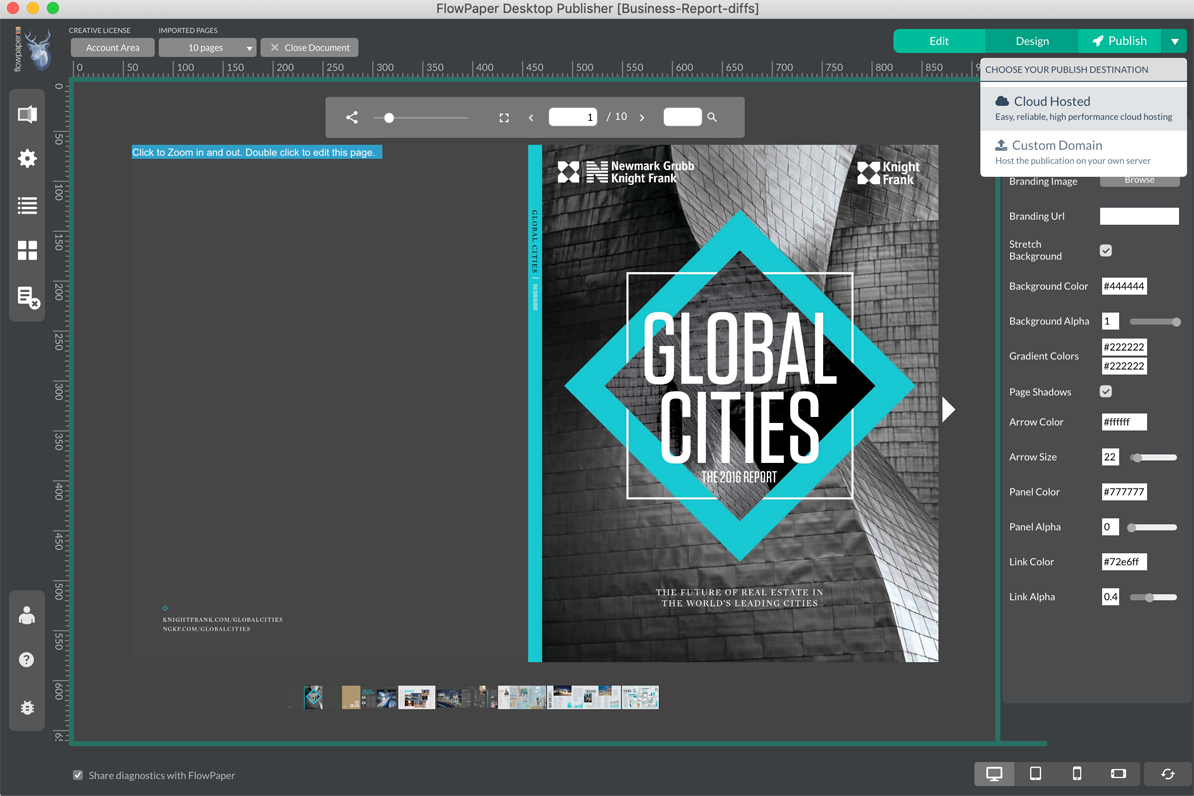
Make sure your publication is styled and ready to upload.
Click Publish in the top-right corner and choose Share on FlowPaper Cloud.
After upload, you should receive a public URL starting with https://online.flowpaper.com.
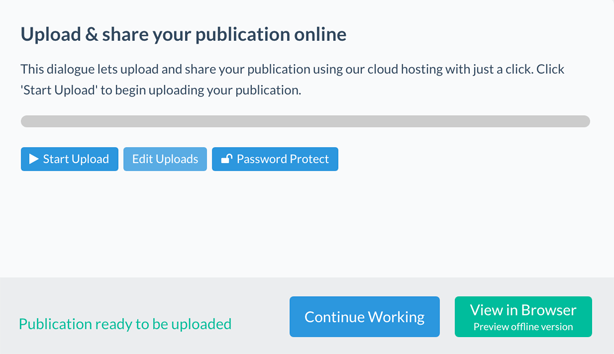
2) Add a code block in Squarespace
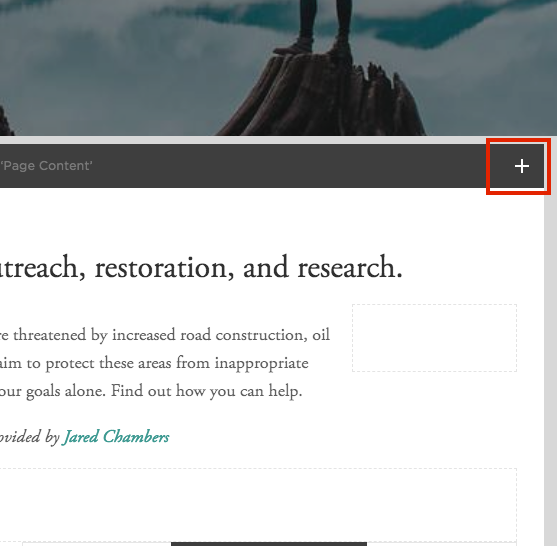
In Squarespace, open page editing and click Add Block.
Choose a Code block.
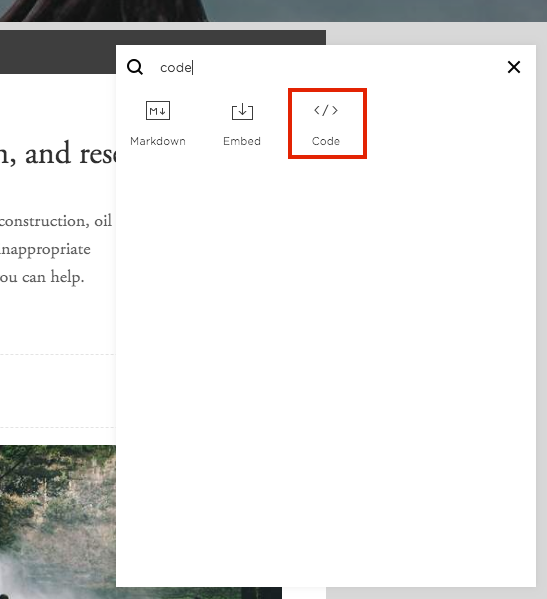
The quickest method is to search for code in the block picker.
3) Paste embed code and update publication URL
Copy this iframe structure into your Squarespace code block and replace the src URL with your own published FlowPaper URL:
<iframe
  frameborder="0"
  width="100%"
  height="500"
  src="https://online.flowpaper.com/78f7074d/2016VacationGuideIndexTest/"
  type="text/html"
  scrolling="no"
  allowfullscreen>
</iframe>
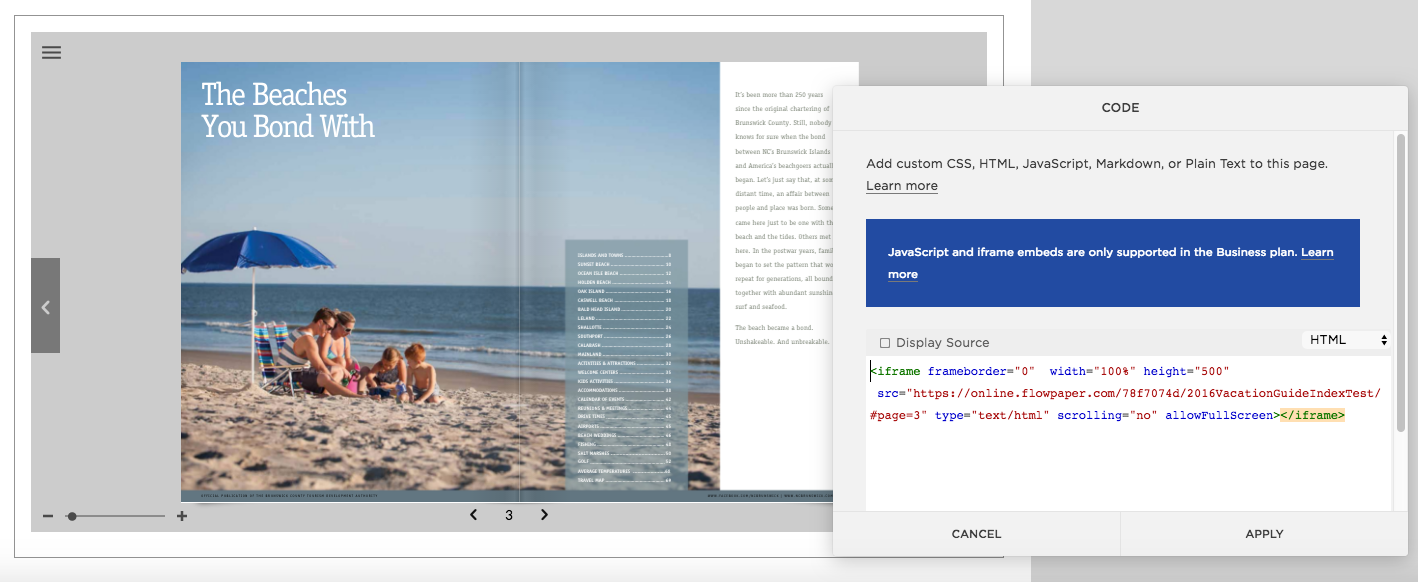
Once saved, the publication appears where you inserted the code block.